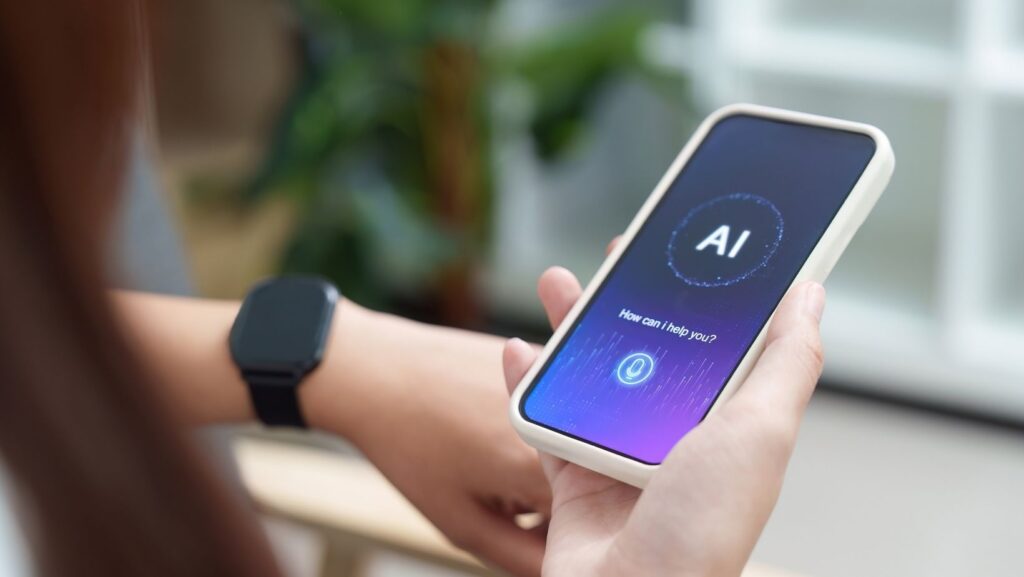
The conversation around AI in 2026 tends to focus on the spectacular end of the spectrum — language models that can write code, image generators that produce photorealistic artwork, systems that can hold extended conversations about nearly any topic. These are genuinely remarkable capabilities. But the AI tools that end up having the most day-to-day impact on how people work tend to be quieter, more specific, and more immediately practical.
Two tools that fit this description have become increasingly standard in the setups of remote and hybrid workers who pay attention to workflow: AI-powered meeting note taking, and AI background changing for professional photos. This article breaks down what each does, why it matters, and how to get started.
Meeting Note Taking: The Case Is Straightforward
Virtual meetings are central to how distributed teams operate, and they have a fundamental problem: the cognitive load of simultaneously participating in a conversation and capturing it accurately is high, and most people handle it poorly.
You can’t fully attend to a conversation while you’re writing about it. You miss things. You paraphrase imprecisely. You forget items between the meeting ending and when you sit down to write up notes. And if you’re leading the meeting, the situation is worse — managing the flow of conversation and keeping accurate records are nearly incompatible tasks.
Krisp’s AI note taker handles the capture entirely. It joins your calls, produces a real-time transcript, and generates a structured post-meeting summary with action items and decisions highlighted. You participate in the meeting; the AI documents it.
The workflow implications are real and tangible. Meeting outcomes become more reliable because they’re documented accurately rather than remembered imperfectly. Follow-up is easier because action items are explicit. Accountability improves because there’s a clear record of who committed to what.
For people in roles where meetings are significant — project managers, account managers, team leads, consultants — this is not a marginal improvement. It changes the nature of what meetings can accomplish.
Noise Cancellation: Worth Mentioning
Krisp is also known for its noise cancellation capabilities, which address a different but related meeting problem: background noise in home and remote environments. If you’ve ever been on a call where someone was apologizing for their dog, their neighbor’s lawn equipment, or the ambient noise of a coffee shop, you understand the problem.
AI-powered noise cancellation removes this friction from both ends of a call — filtering out background noise from your microphone and suppressing noise coming from other participants’ feeds. The result is clearer audio that makes the conversation easier to follow and the transcript the AI generates more accurate.
These features work together. Better audio quality in the meeting produces better transcripts and better summaries. It’s worth thinking about the meeting audio stack holistically rather than as isolated tools.
Background Changing: The Professional Photo Case
The second tool addresses something that’s easy to overlook until you notice it: the background in your professional photos is doing more communication work than most people realize.
Your LinkedIn headshot, your company website photo, your conference speaker profile — these images are viewed repeatedly by people who haven’t met you yet, forming impressions before any direct interaction happens. A cluttered or incidental background signals someone who didn’t think about the details. A clean, intentional background signals someone who did.
The problem is that most professional photos aren’t taken under ideal conditions. They’re captured at events, at desks, in spare rooms — wherever you happened to be when someone pointed a camera. The subject might be great; the background tells a different story.
Picsart’s background changer is a photo editing tool built specifically for this. You upload a photo, the AI identifies the subject and removes the background automatically — with solid quality on complex edges like hair and clothing — and you apply whatever replacement fits: a clean neutral tone, a branded color, a natural environment. The result is a photo that looks intentional and professional, regardless of where the original was taken.
The practical workflow is simple: take a photo in decent natural light, upload it to Picsart, swap the background, download. A professional-quality headshot in minutes rather than scheduling a studio session.
The Technical Dimension: Why These Tools Work Well Together
From a technical perspective, AI meeting notes and AI background changing are both examples of AI being applied to a well-defined, bounded problem with consistent inputs. This is where AI tends to perform most reliably — specific tasks with predictable structure rather than open-ended, ambiguous challenges.
Meeting transcription is a well-established AI application with decades of research behind it. The addition of summarization and action item extraction applies language model capabilities to structured conversational data. The results are reliable because the problem is well-constrained.
Image background removal is similarly well-defined — identify the subject, separate it from the background, enable replacement. The deep learning approaches that handle this in 2026 are mature and performant, which is why consumer-facing tools can deliver reliable results without manual intervention.
For technically inclined users, both categories of tools offer API access for deeper integration into custom workflows. Krisp offers API access for meeting intelligence features. Picsart provides background removal APIs for building the capability into applications. These are worth knowing about if you’re building productivity tooling or integrating AI capabilities into existing software.
Getting Real Value Out of These Tools
A few observations from how people actually use these tools effectively:
For meeting notes: the value comes from consistency, not selective use. Running the AI note taker on every meeting — not just the ones that seem important — produces a comprehensive record that becomes genuinely useful as a reference. Deciding meeting by meeting whether to activate it introduces friction and gaps.
For background photos: think about the use cases comprehensively. It’s not just your current LinkedIn photo; it’s every photo you’ll need going forward. Develop a quick workflow — good light, phone camera, Picsart, consistent background choice — so that producing a professional photo is a fifteen-minute exercise rather than a logistical event.
For both: the tools get better as you use them more and understand their capabilities and limitations. Give yourself time to calibrate expectations and refine how you use them rather than judging them on initial impressions.
The Broader Point
The most practical AI tools in 2026 are the ones that fit into existing work patterns without requiring significant behavioral change. You’re already having meetings; AI notes just make those meetings produce better records. You’re already taking photos; AI background changing just makes those photos look better.
The adoption cost is low. The value is real. That combination — useful, accessible, not disruptive — is what separates tools that actually change how people work from ones that get tried once and forgotten.