Today, technological advancements and development have paved the way for generating visual media for projects and collaborations. It has become easy and fast to generate images or videos. Just write a simple text, upload references, and wait for the results in a second. Now edit and download. The same visual content with more advanced tools and features is waiting for you!
What You Should Look For
Here are some of the main aspects you should consider when choosing the best platform for creating images and videos:
- Quality: Quality content shows the trustworthiness and credibility of the platform.
- Speed: When you are in a hurry, the only thing you need is to take less time to generate images and videos
- Editing capabilities: The ability to transform raw content into customized content with editing features can make generated content look more professional
- AI creative models: Modern and advanced tools are the keys of best results in 2026
These are the main features that help you to consider and choose the best AI-generated images and videos for your personal or business needs.
We evaluated and compared the best contemporary AI tools for generating images and videos in one workspace. Considering quality, speed, editing tools, AI models and other features, the ranking shows the platforms’ performance and techniques.
Top AI Tools for Video and Image Generation
|
Tool |
Best characteristics |
|
Krea.ai |
Speed, creativity, quality, advanced AI tools, models, and variations |
|
DaVinci |
Diverse variations, editing, workflows |
|
Recraft |
Inspiration, creativity, editable vectors and media |
|
ImagineArt |
Consistency, models, industries |
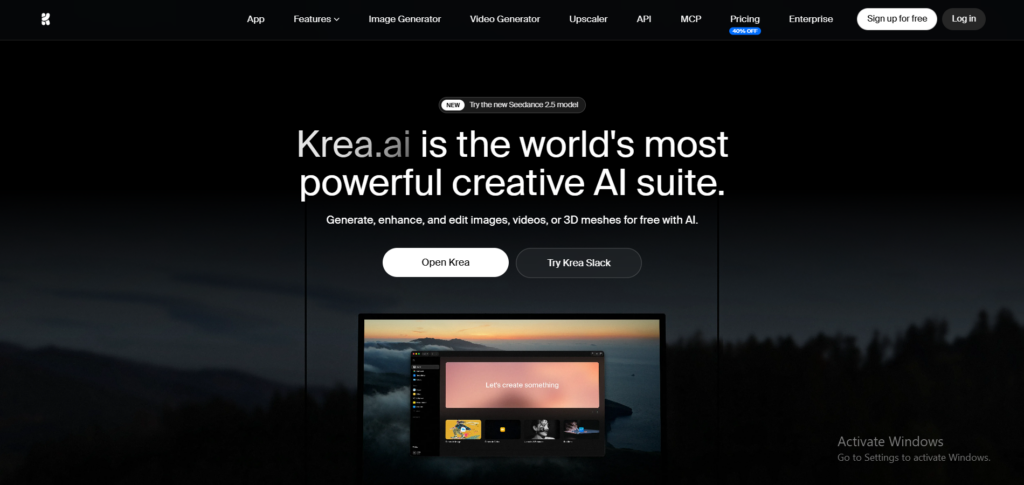
Krea.ai
If you are looking for the most creative platforms for generating visual media, we assure you that Krea.ai is your solution.
It is not just a platform for AI tools, but it combines quality, speed, and creativity in one place. The platform allows you to create AI videos, AI images, 3D generation, Video upscaling, and more. You can easily generate content however you prefer. Krea offers detailed visual content creations with flexible tools and inspiring scenes.
One option is to write a simple text or prompt, describing the product, subject, colors, styles, lighting, and other features that come to your mind. For instance, “Minimalist portrait with clean composition and soft studio lighting”. Easy and quick to write and generate. Another way is to upload content as a reference and add other details such as style, composition, layouts, and more.
Why Users Choose It as #1
Top-tier image and video quality
- Not only the diverse tools, but also the quality, clarity, and resolution of the content match realistic, natural-looking, or cinematic production results
Real-time Canva
- Krea Realtime offers another experience for experimenting with compositions, styles, and other adjustments
Editing tools
- Want to cut off some areas of the videos and images? You can quickly remove or change any part of the content
AI models
- Access to modern and creative AI tools, such as Krea 2, Flux, Imagen, and Seedance
Animation
- If you want to add motion and movement to your generated images and turn them into videos
Video sounds
- You can create videos with Veo 3.1 and other models by also adding sounds, noises, or dialogues
Pros
- Generates creative and powerful images and videos
- Combines many AI tools in one place
- Transforms images into videos with one click
- Animates with smooth movement and motion
Best for: Everyone who wants an all-in-one for generating images and videos, specialists wanting to generate content for their film production, marketing campaigns, content creation, and product concepts.
DaVinci
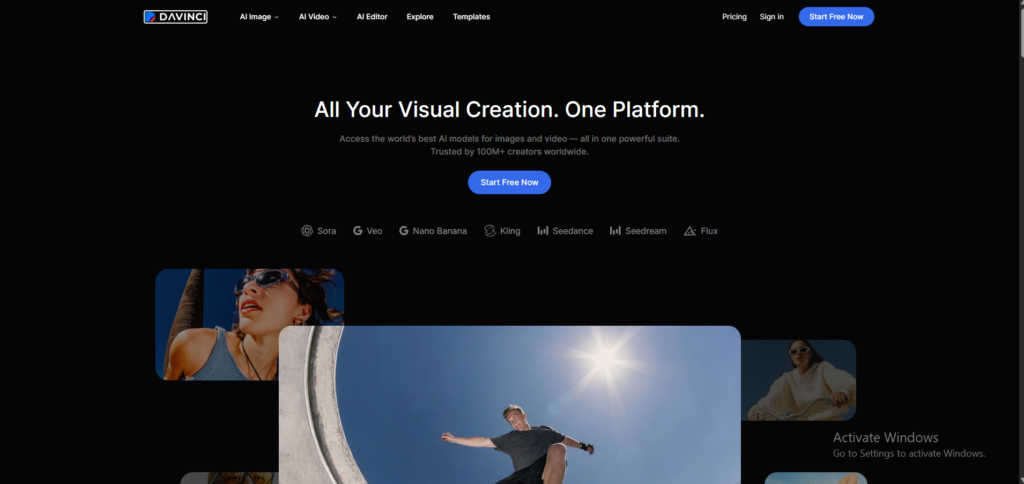
DaVinci is an online platform offering AI tools for creating AI images and videos.
If you want ot create visual media and transform your images into new ones by using different models, you can try DaVinci. In the same way, here you can upload images or videos, write text, and generate based on the edits, structure, and composition you type.
It is similar to Krea for generating images and videos, but it mainly focuses on commercial and marketing production. For example, you can use them in social media advertisements or YouTube videos.
Why Users Choose It
Generative Features
- Create image to video, text to video or images, image to images in the platform
Editing and variations
- Remove background, colors, lighting, and other elements for visual design
Different variations
- You can find compositions, poses, styles, and layouts for the generated visual content
AI models
- You can generate with different AI tools, including Seedrea, Nano Banana, Flux, and GPT Image
Pros
- Use for ads, websites, and social media creation
- Edit with different features, tools, and concepts
- Custom motions in videos; turn animations or scenes into images
Recraft
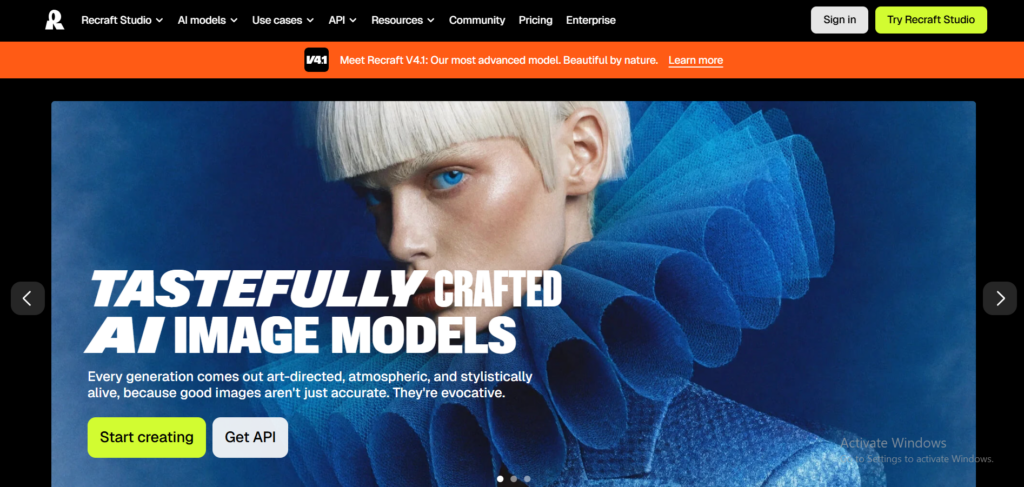
Another digital platform for visual creation is Recraft.
Here, you can generate AI images, vectors, logos, illustrations, icons and other content.
If you want to make changes to your images or videos, you can pick up some editing tools to change the background, expand and modify the content.
Why Users Choose It
Content Features
- Create AI images, AI video generation with text-to-video and image-to-video capabilities, AI mockup generators in seconds
Editing
- Don’t you like the colors or layouts? Not an issue; just remove the background, colors, lighting, and other elements
AI models
- Have an access to different AI models, such as Nano Banana, Seedream, and Veo
Pros
- Good editing features
- Cinematic and animated content with Sora and Kling
ImagineArt
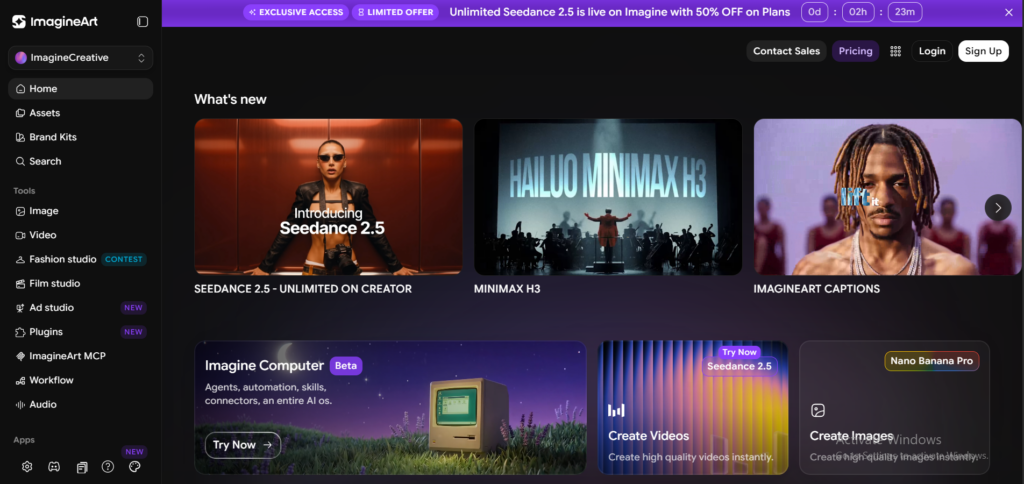
ImagineArt is a digital platform for creating images, videos and audio from prompts or reference visuals.
Unlike the previous platforms, here you can focus on creating films, commercials, fashion products and audio for your companies or projects.
Why Users Choose It
Content Features
- Once you generate your content, you can add lip-sync, animations to your videos, AI captions or AI captions
Editing
- Backround remove, styling, motion control, frames, extensions
AI tools
- Create something new with the ImagineArt 2.0 model
Pros
- Great for creative projects and content creation
- Easy AI workflow for film production, ads and design shoots
In conclusion
In 2026, contemporary and advanced AI tools are crucial for generating content without wasting money on expensive photoshoots. You can easily find platforms with the best creative tools and features for generating images and videos in seconds.
The best way to choose the best AI tools is to consider whether you are looking for all-in-one features for generating visual media, where you can save time and find good-quality content with modern AI models